Check 8171 BISP Payment Status by CNIC in 2026
Thousands of families in Pakistan use the 8171 BISP system to check their payment status every month. The Benazir Income Support Programme (BISP) allows eligible beneficiaries to verify their installment details online through CNIC without visiting an office. In 2026, the government has improved the 8171 web portal to make payment checking faster and easier for registered families.
If you are receiving financial assistance under the Benazir Kafalat Program, Taleemi Wazaif, or other BISP schemes, you can confirm your payment status online using your 13-digit CNIC number. The service is completely free and available through official government channels only.
What is the 8171 BISP Payment Check System?
The 8171 system is an official government verification portal launched for BISP beneficiaries. It helps applicants check:
- Payment release status
- Eligibility confirmation
- Registration details
- NSER verification updates
- New installment information
The system is connected with NADRA and the BISP database to provide updated beneficiary information.
Quick Overview of Check 8171 BISP Payment Status by CNIC in 2026
| Service | Method | Requirement |
| Payment Status Check | Online Portal | CNIC Number |
| Eligibility Verification | SMS to 8171 | Registered SIM |
| NSER Survey Update | BISP Tehsil Office | Original CNIC |
How to Check 8171 BISP Payment Status Online by CNIC
Checking your BISP payment online is simple and takes only a few minutes.
Step-by-Step Process
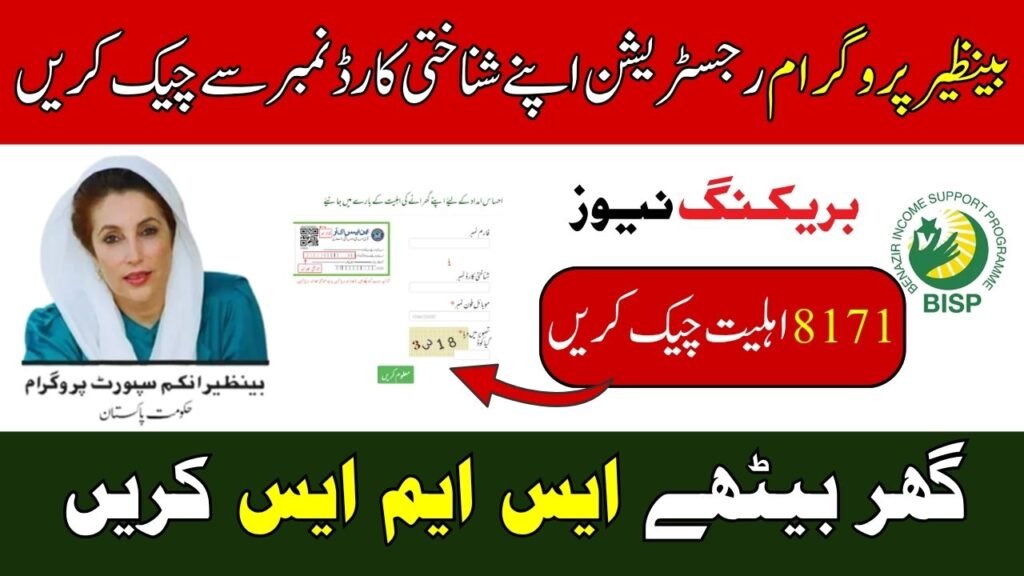
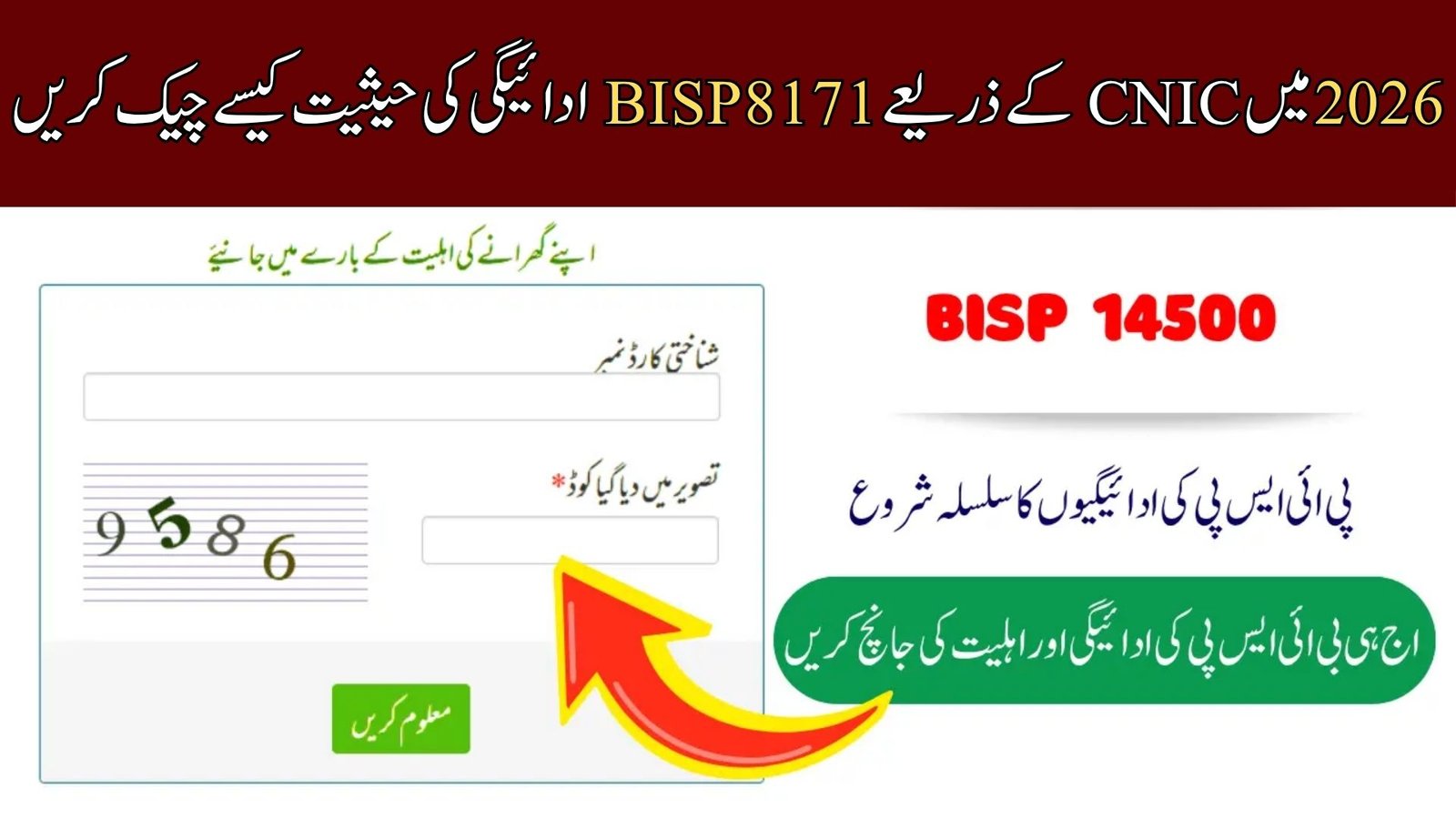
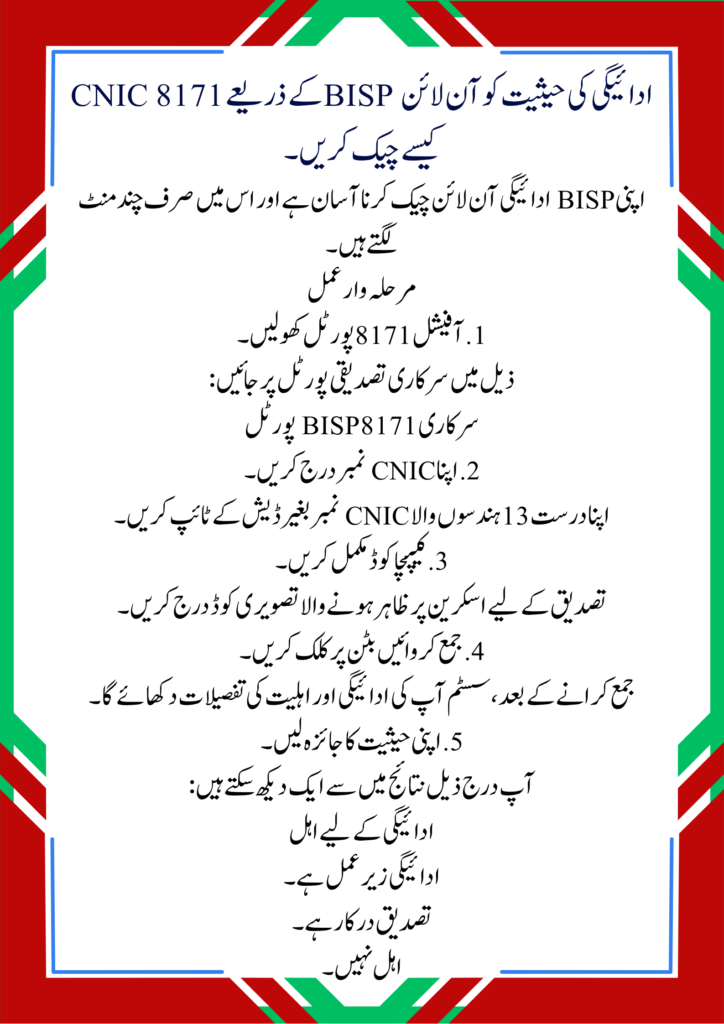
1. Open the Official 8171 Portal
Visit the government verification portal below:
2. Enter Your CNIC Number
Type your valid 13-digit CNIC number without dashes.
3. Complete the Captcha Code
Enter the image code displayed on the screen for verification.
4. Click the Submit Button
After submission, the system will display your payment and eligibility details.
5. Review Your Status
You may see one of the following results:
- Eligible for payment
- Payment under process
- Verification required
- Not eligible
How to Check BISP Payment Through SMS
People without internet access can also verify payment status through SMS.
SMS Method
- Open your mobile message app
- Type your CNIC number
- Send it to 8171
You will receive an official reply regarding your eligibility and payment details. Use only your own registered SIM for accurate results.
Common Reasons for Payment Delays
Many beneficiaries face delays due to incomplete verification or outdated records.
Main Reasons Include
- Expired CNIC
- Incomplete NSER survey
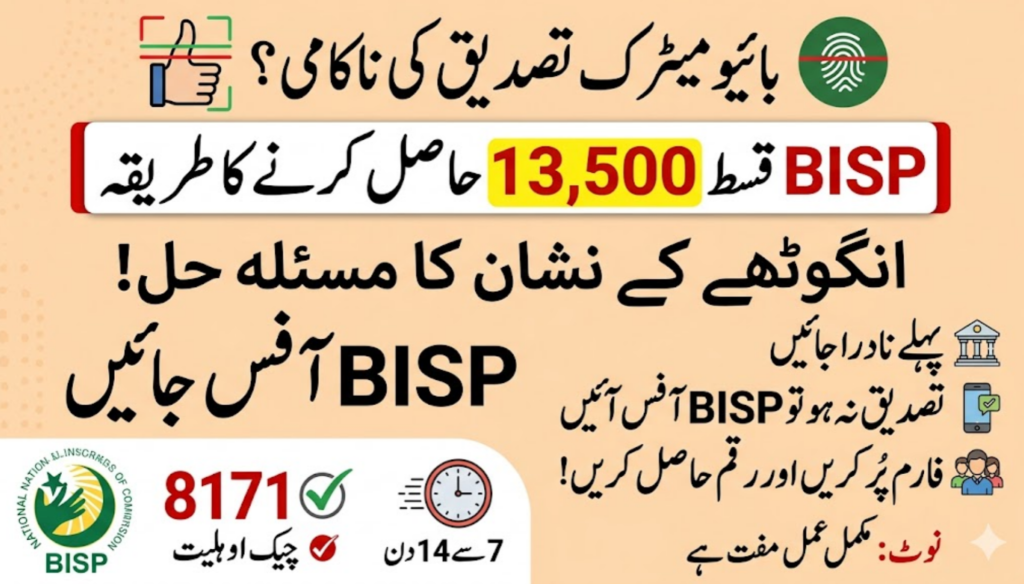
- Biometric verification issue
- Incorrect family data
- SIM not registered on applicant name
If your payment is stopped, visit the nearest BISP Tehsil Office for verification.
Required Documents for BISP Verification
Keep the following documents ready when visiting a BISP office:
- Original CNIC
- Registered mobile number
- Children’s B-Forms
- Utility bill copy
- NSER survey details
Official Registration Information
BISP Official Registration Portal
Tips to Receive BISP Payments Safely
- Always use official government portals
- Never share CNIC details with agents
- Do not pay extra charges for verification
- Check SMS only from 8171
- Keep your NADRA information updated
FAQs – Check 8171 BISP Payment Status by CNIC in 2026
How can I check my BISP payment by CNIC?
You can check it online through the official 8171 portal by entering your CNIC number.
Is the 8171 SMS service free?
Standard mobile SMS charges may apply depending on your network.
What should I do if my payment is under verification?
Visit the nearest BISP Tehsil Office and complete your verification process.
Can I check payment status without internet?
Yes, you can send your CNIC number to 8171 through SMS.
Why is my BISP payment delayed?
Payment delays usually happen because of biometric issues, incomplete NSER surveys, or outdated CNIC records.